How to use a countdown timer in the classroom (without it becoming background noise)
Walk into almost any K-8 classroom and you'll find a timer running somewhere — projected on the smartboard, ticking quietly on a teacher's laptop, taped to a whiteboard with magnets. Visible countdowns are one of the cheapest classroom-management tools we have, and when they work, they work for a simple reason: kids who can see the clock self-pace. They stop asking "is it time yet" and start racing themselves.
That's the upside. The downside is that timers turn into wallpaper. A bar that quietly creeps across a screen for the eleventh time today doesn't change anyone's behavior. If you've ever set a timer and watched the room ignore it completely, you already know the problem. The fix isn't a louder timer — it's a more deliberate one.
The five moments a countdown actually earns its keep
- Transitions. Two minutes between activities is usually enough, but only if the kids can see it. "Two minutes" said out loud means nothing; two minutes on a screen means seats by the end of it.
- Cleanup. A 90-second cleanup timer with a clear visual finish line out-performs nagging by a wide margin. Bonus: it gives the room something to compete against instead of each other.
- Short focused work blocks. A 6-10 minute countdown during independent reading, math drills, or writing sprints frames the work as finite. It also gives wandering minds something to come back to.
- Beat-the-clock challenges. "Can the whole table finish before zero?" turns a routine task into a low-stakes game. Works for math facts, packing up, hallway lines, anything you can split into rounds.
- Turn-taking. One minute per speaker during share-out keeps the loud kids honest and the quiet ones safe — and the visible clock takes the social pressure off the teacher to interrupt.
What makes kids actually watch the clock
Three things, mostly. Visual motion (something is changing on the screen, not just numbers shrinking). Sound that's available but optional (a ticking cue you can switch on for the last ten seconds, off the rest of the time). And character — the timer has to feel like it's doing something, not just measuring. A fuse burning down is a different cognitive experience than a progress bar shrinking, even though both are technically the same data.
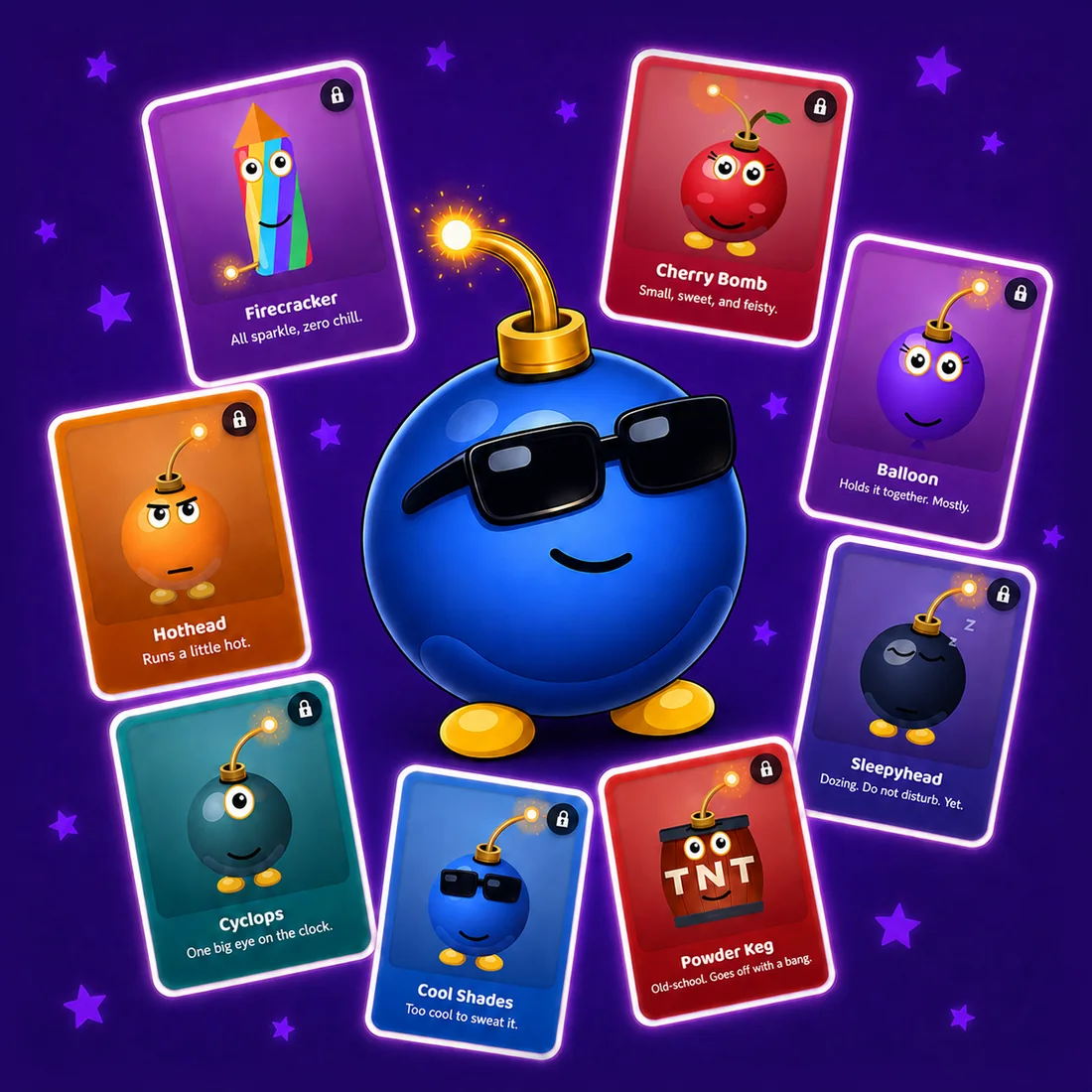
This is the bet behind bombtimer.com: a free countdown timer styled as a friendly cartoon bomb, with multiple visual themes (dynamite bundle, cannonball, retro-spy briefcase) and the same simple set-duration-and-go controls. The cartoon framing is deliberate — playful, suspenseful, theatrical, and unmistakably fictional. Kids respond to drama; teachers need something that's safe to project. Both can be true.
One mistake to avoid: leaving the timer running all day
The single biggest reason classroom timers stop working is overuse. If a timer is on the board from morning bell to dismissal, it's not a tool anymore — it's part of the wall. The teachers who get the most out of a countdown use it for specific moments, not as ambient decoration. Set it, run it, finish it, take it off the screen. The next time it appears, it'll mean something again.
Quick practical tips
- Start short. Two to ten minutes covers 90% of real classroom uses. Long timers (20+ min) are almost always better as a clock-on-the-wall, not a countdown.
- Narrate the start. "Two minutes — go" is more effective than silently clicking start. The countdown is the enforcement; the narration is the trigger.
- One task per timer. A countdown that's supposed to mean "finish your worksheet AND get to your seat AND have your book out" means nothing.
- Sound off by default. Save the audio cue for the last ten seconds of beat-the-clock challenges, not every transition.
- Project, don't hide. A timer on your laptop screen is for you. A timer on the smartboard is for them.
Outside the classroom: game nights, party challenges, and content
Classrooms are the most common ask, but a themed countdown earns its keep anywhere a clock raises the stakes. A few places we hear about it being used:
- Party games and family game nights. "Defuse the bomb" framing turns a basic two-minute trivia round into something kids and adults will both lean into. Works for charades, Pictionary, scavenger hunts, anything time-pressured.
- Tabletop and escape-room scenarios. Dungeon masters and home escape-room hosts use a visible bomb timer as a soft pressure clock — players know how long they have to solve the puzzle, and the visual does the suspense work the GM would otherwise have to narrate.
- Counter-Strike and gaming-themed parties. The CS2 bomb-defusal mechanic is famous enough that a real-world bomb timer becomes a fun callback for tournament watch parties, LAN nights, or YouTube content.
- Streamer / creator B-roll. "You have 30 seconds, go" segments need a visible countdown that fits the show's energy. A sterile progress bar kills the bit; a theatrical timer carries it.
- Workout intervals, cooking, and focused-work sprints. Anything that benefits from a clearly visible deadline. A bomb timer is funny enough that it makes 6-minute HIIT rounds and 25-minute Pomodoros marginally less miserable.
The common thread: when the countdown itself is the thing people are watching, a generic progress bar fades into the background and a themed timer keeps the energy up. Once Bomb Timer is live, the five most common durations people set are 1 minute, 2 minutes, 5 minutes, 10 minutes, and 30 minutes — but you'll be able to set any duration you want, with a fuse to match.
Be on the list when the timer goes live
What's coming: a free online bomb timer with multiple themes — dynamite bundle, cannonball, retro-spy briefcase — and a fuse you can set for 30 seconds, 1, 2, 3, 5, 10, 15, 20, 30 minutes, or any custom duration. Big projector-ready digits. Opt-in sound effects. Reduced-motion fallback. All free, forever, no signup required to use it, no ads in the timer view.
Drop your email and we'll send exactly one message the day it launches. No newsletter, no follow-ups, no marketing drip.
One email the day Bomb Timer launches. We don't share, sell, or otherwise leak your address.